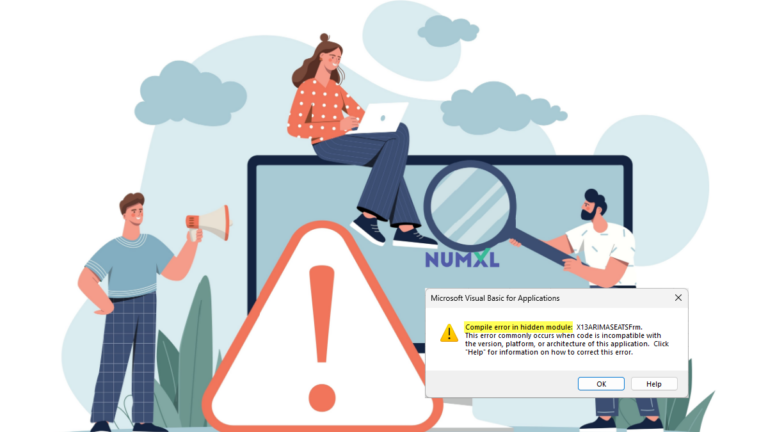
Compiler error in hidden module
In this blog, we describe the resolution for the “compile error in a hidden module” error message box that appears when the user selects any item in the NumXL toolbar.

In this blog, we describe the resolution for the “compile error in a hidden module” error message box that appears when the user selects any item in the NumXL toolbar.

This article highlights an issue with the X13-ARIMA-SEATS Wizard when intermediate output files are open, especially if the system’s text editor is not Notepad.

This blog explains how to add NumXL as a Trusted Publisher to enable its add-ins after the MIS/IT department imposed new security policies restricting application add-ins and macros in Microsoft Excel.

This article shows how to fix the “the app you’re trying to install isn’t a Microsoft-verified app” error while installing NumXL
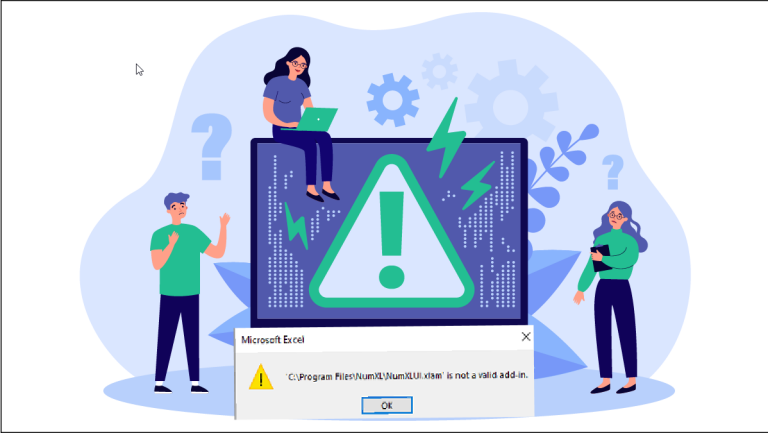
Windows update causes NumXL errors; resolve by adding exception for NumXL files as per Microsoft’s guidelines.
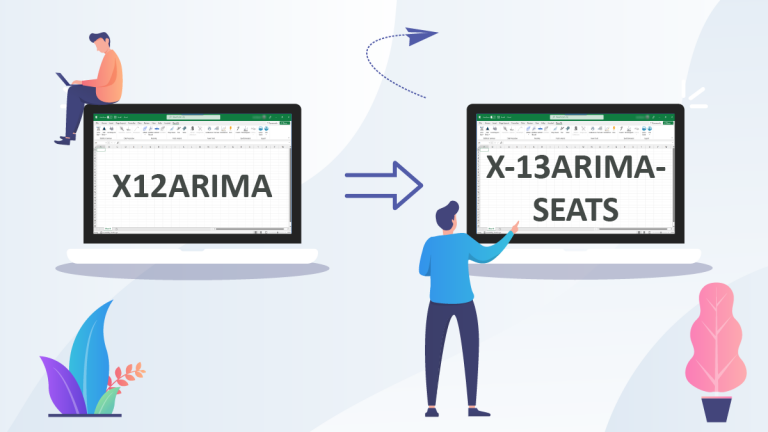
The tutorial describes the steps to migrate existing X12ARIMA models to the latest X-13ARIMA-SEATS model in Microsoft Excel.
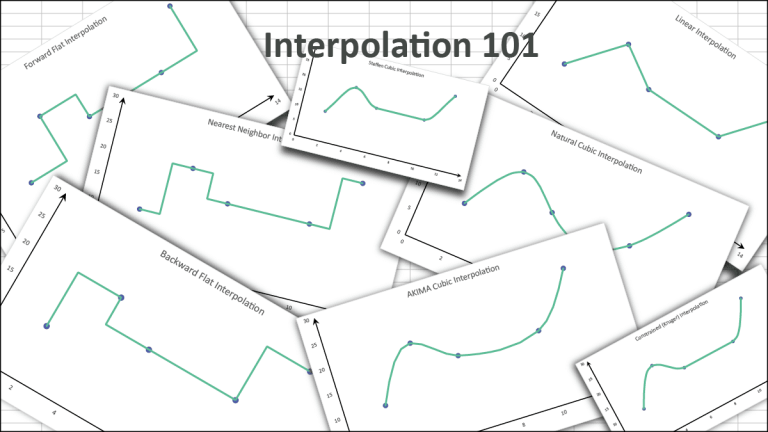
In this issue, we tackle the Interpolation function in NumXL using an example + FAQs for different methods (e.g., step, cubic spline, etc.).

In this article, we discuss how to use quarterly data with X-13ARIMA-SEATS and tackle some of the ambiguities that can arise.
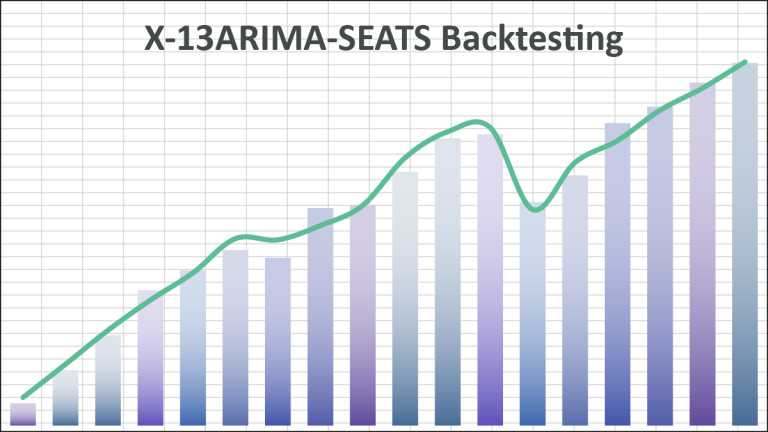
In this article, we show you how to backtest on the X-13ARIMA-SEATS forecast of seasonally-adjusted and final values in your time series.
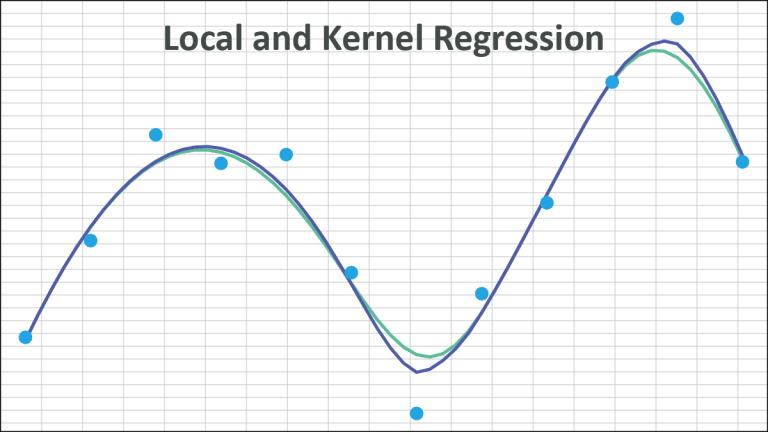
This article covers Local Regression – NxLOCREG(.) and Kernel Regression – NxKREG(.), two different functions for non-parametric data fitting.